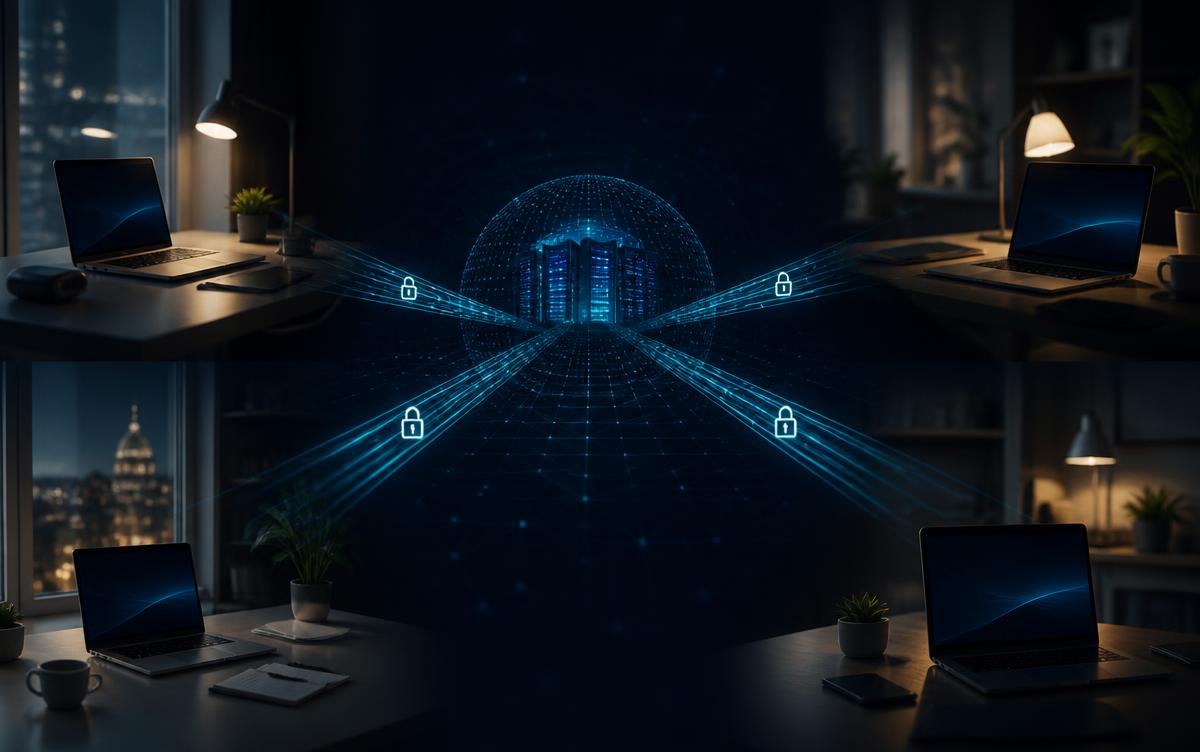
Distributed teams are now standard for most growing businesses. Employees work from home offices, client sites, coworking spaces, and travel locations. The flexibility is real. So is the expanded attack surface.
Traditional security models were built around the office network. You connected to the network, the network trusted you, and the firewall kept threats out. That model does not work when your employees are everywhere and your applications live in the cloud.
Remote workforce security is not about buying one product. It is about putting the right controls in place so that employees can work from anywhere without the organization losing visibility, control, or protection.
Why the Old Approach Breaks Down
When employees worked in an office, security could focus on the perimeter. Firewalls, VPNs, and network segmentation were effective because access was physical and centralized.
Today, an employee might log in from a home Wi-Fi network, access a cloud application, download a file to a personal laptop, and move between three different networks in a single day. The perimeter is no longer a wall. It is every device, every login, and every connection.
This means security has to follow the user and the device, not the network. That is a fundamental shift.
What Distributed Teams Actually Need
1. Strong Identity Controls
Identity is the new perimeter. Every employee should authenticate with multi-factor authentication at minimum. Single sign-on reduces password fatigue and gives IT central control over access. For higher-risk accounts, consider passwordless or risk-based authentication that adjusts based on login context.
If an employee's credentials are compromised, identity controls are what prevent that from becoming a full breach. Passwords alone are not enough.
2. Device Management and Compliance
Whether employees use company-issued laptops or personal devices, IT needs visibility and control. Mobile device management or endpoint management platforms allow you to enforce encryption, require updates, deploy security software, and restrict access from non-compliant devices.
The question is not whether you trust your employees. It is whether their devices are secure enough to access company data. A laptop with an outdated operating system, no disk encryption, or disabled security software is a risk regardless of who owns it.
3. Secure Access to Applications
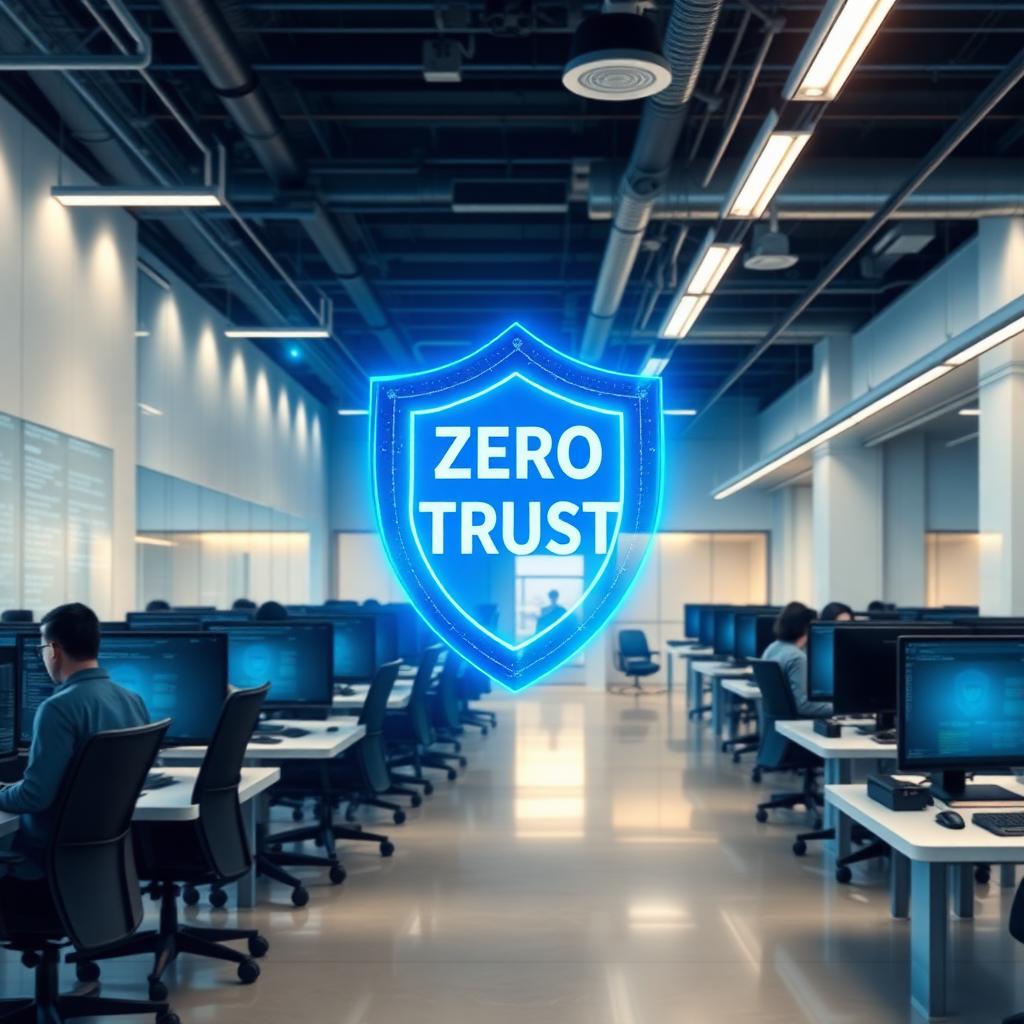
VPNs were the standard for remote access, but they often grant broad network access once connected. A more modern approach uses Zero Trust principles, where access is granted per application, verified continuously, and limited to what the user actually needs.
For SMBs, this does not have to mean a complete overhaul. Many cloud platforms already support conditional access, device compliance checks, and session controls. The key is configuring them properly rather than leaving defaults in place.
4. Endpoint Protection That Works Remotely
Endpoints outside the office are exposed to different threats. Employees connect to public Wi-Fi, visit personal sites on work devices, and install software IT may not know about. Endpoint detection and response tools provide visibility into what is happening on each device and can detect malicious activity even when the device is off the corporate network.
The important distinction is between traditional antivirus, which relies on known signatures, and modern endpoint protection, which can detect behavioral anomalies and unknown threats.
5. Security Awareness for Remote Specific Risks
Phishing attacks targeting remote workers often exploit the conditions of remote work: urgency, isolation, and less opportunity to verify with a colleague in person. Employees should be trained to recognize phishing, verify unusual requests through a secondary channel, and report suspicious activity quickly.
Remote-specific scenarios matter. A fake IT support call. A forwarded email that looks like it came from a colleague. A request to reset a password that bypasses normal channels. Training should reflect how these attacks actually happen in a distributed environment.
6. Monitoring and Detection
When employees are distributed, you need monitoring that covers cloud applications, identity systems, and endpoints. A security information platform or managed detection and response service can help identify suspicious logins, unusual data access, or compromised accounts.
For many SMBs, managed detection and response is a practical way to add 24/7 monitoring without building an internal security operations center. The goal is to know when something suspicious happens, regardless of where the employee or the attacker is located.
7. Data Protection Beyond the Network
Data protection cannot rely on network controls alone. Consider where data is stored, how it is shared, and what happens when an employee leaves. Cloud access security brokers, data loss prevention tools, and clear policies about where company data can be stored all help reduce the risk of data exposure.
The remote environment also means employees may use personal cloud storage, personal email, or unsupported applications to get work done. Addressing this requires both technical controls and clear communication about what is acceptable.
The Mistakes That Create the Most Exposure
The most common remote security failures are not sophisticated attacks. They are basic gaps:
- MFA not enforced on all accounts
- Personal devices used for company work without management or security software
- Cloud applications configured with default permissions
- No monitoring or alerting on identity and cloud activity
- Employees using personal cloud storage for company files
- Offboarding gaps where remote employees retain access after departure
These are all addressable. But they require intention, not assumptions.
How This Fits Into a Broader Security Program
Remote workforce security is one part of a defensible security program. It connects to identity management, endpoint protection, security assessments, incident response, and governance. A vCISO or fractional security leader can help prioritize which controls matter most for your organization's stage and risk profile.
The objective is not to lock everything down so tightly that remote work becomes impossible. It is to put the right controls in place so employees can work from anywhere while the organization maintains visibility and protection.
Final Thought
Distributed work is not going away. The organizations that handle it well are the ones that treat remote security as a deliberate program, not a side effect of giving people laptops. Start with identity and device management, add monitoring and awareness, and review regularly as your team and tools change.
If your organization is navigating remote workforce security and wants help prioritizing the controls that matter, talk to an expert at Defensible.