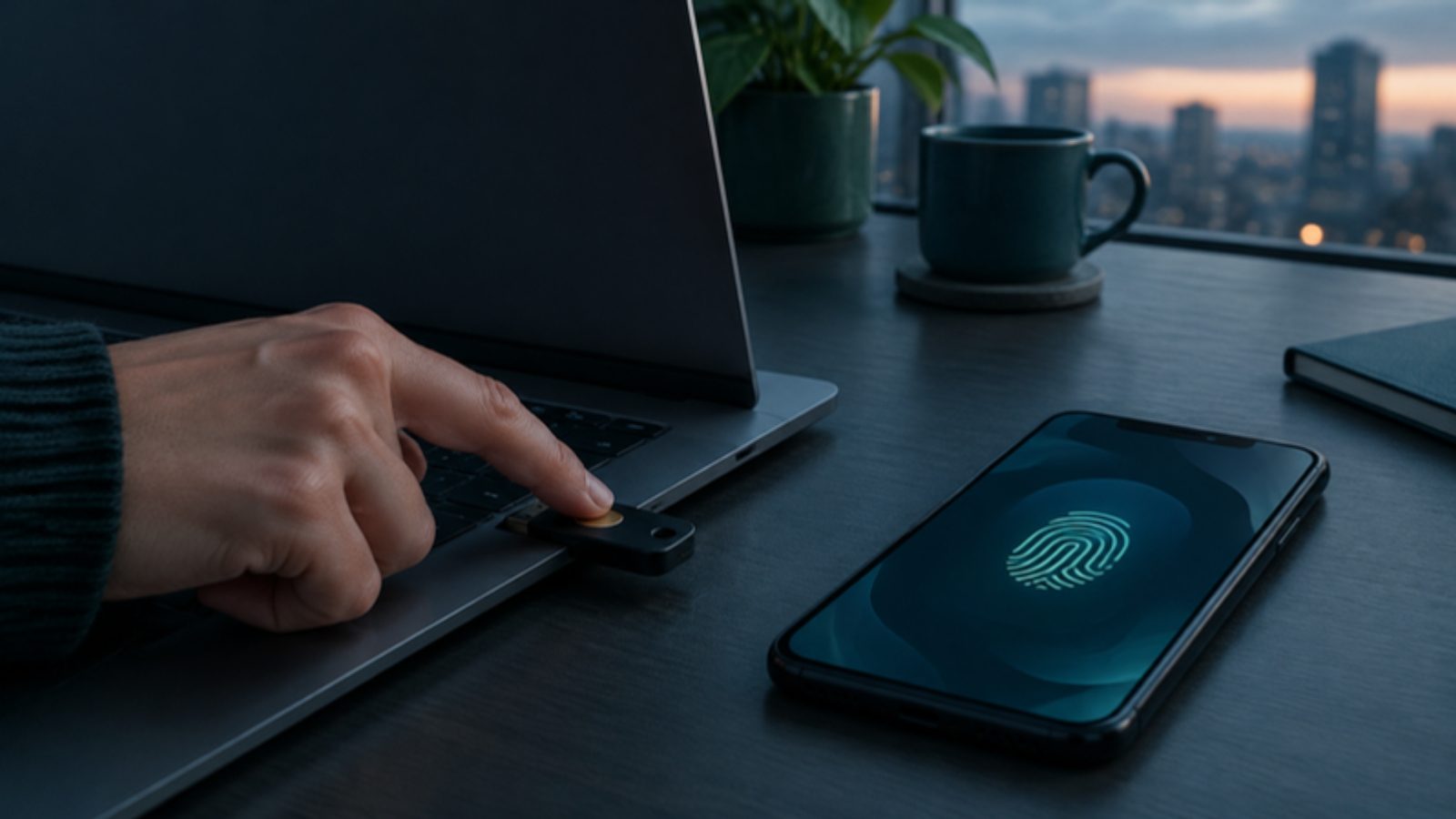
Phishing-resistant MFA is multi-factor authentication that a fake login page can't capture or replay. In practice that means FIDO2/WebAuthn passkeys and hardware security keys, or certificate-based authentication such as smart cards. They work because the login is cryptographically bound to the real website: a lookalike domain never receives anything it can reuse. Push approvals, SMS codes and six-digit authenticator codes are still far better than passwords alone, but attackers now bypass them routinely, so the accounts that matter most should move to phishing-resistant methods first.
Why "we already have MFA" is no longer enough
Most SMBs turned on MFA because their cyber insurer, a client or Microsoft required it. That stopped password spraying and credential stuffing almost overnight. Attackers adapted with three techniques that defeat traditional MFA:
- Adversary-in-the-middle (AiTM) phishing. Off-the-shelf phishing kits proxy the real Microsoft 365 or Google login page. The user enters their password and approves the MFA prompt as normal, and the kit steals the session cookie that results. The attacker then signs in as the user without ever needing MFA again. This is now one of the most common routes into business email compromise.
- MFA fatigue (push bombing). The attacker, who already has the password, triggers prompt after prompt until a tired or confused user taps "Approve". Number matching has made this harder, but not impossible when combined with a phone call from "IT support".
- SIM swapping and code interception. SMS codes can be redirected by convincing a mobile carrier to move a number to a new SIM, and any typed code can be relayed in real time by a phishing page.
The common thread: anything a person can read, type or approve on a fake page can be phished. Phishing-resistant methods remove the human from that decision.
What counts as phishing-resistant
CISA's guidance on implementing phishing-resistant MFA names two families: FIDO/WebAuthn authentication and PKI-based authentication. NIST's digital identity guidelines (SP 800-63B) likewise require phishing resistance at the highest authenticator assurance level.
| Method | Phishing-resistant? | Notes for SMBs |
|---|---|---|
| Hardware security key (FIDO2) | Yes | A USB-C, USB-A or NFC key. Best for admins, finance and executives. Budget roughly $25 to $90 per key, and issue two per person so a lost key isn't a lockout |
| Device-bound passkey | Yes | Stored on one device, such as Microsoft Authenticator or a Windows Hello for Business credential. No extra hardware to buy |
| Synced passkey | Yes, against phishing | Stored in Apple, Google or a password manager and synced between devices. Very convenient, but security now depends on that cloud account, so decide where you'll allow it |
| Windows Hello for Business | Yes | Biometric or PIN tied to the device's TPM. Excellent for managed Windows laptops |
| Certificate-based authentication / smart cards | Yes | Strong, but needs PKI to issue and revoke certificates. Common in government and defense supply chains |
| Authenticator push with number matching | No | Good baseline, but AiTM kits still capture the session |
| Authenticator app codes (TOTP) | No | Codes can be relayed by a phishing page |
| SMS or voice codes | No | Weakest option. Vulnerable to SIM swapping and relay |
Who should move first
You don't need to convert the whole company in a week. Start where a single compromised account does the most damage:
- Global and privileged admins in Microsoft 365, Google Workspace, your identity provider, firewall and backup consoles. These accounts can disable every other control.
- Finance and payments staff, anyone who can change bank details or approve wires.
- Executives and their assistants, the usual targets of impersonation and deepfake fraud. See our guide to deepfake CEO fraud.
- IT staff and your MSP's accounts in your tenant, plus remote access and RMM tools.
- Everyone else, once the process and help desk scripts are proven.
A phased rollout plan
Phase 1: Prepare (weeks 1 to 2)
- Inventory every account with admin rights, including service accounts and the emergency "break-glass" accounts.
- Confirm licensing. In Microsoft Entra ID, enforcing phishing-resistant methods through Conditional Access authentication strengths requires Entra ID P1, which is included in Microsoft 365 Business Premium.
- Block legacy authentication protocols (POP, IMAP, basic SMTP auth) that bypass MFA entirely.
- Decide which methods you'll allow: hardware keys for admins, device-bound passkeys or Windows Hello for staff, and whether synced passkeys are acceptable.
- Write the recovery process before anyone enrolls. How does a user with a lost key prove who they are? Who can issue a temporary access pass?
Phase 2: Admins and high-risk users (weeks 2 to 4)
- Enroll two security keys per admin and store the backup key securely.
- Create a Conditional Access policy that requires the built-in "Phishing-resistant MFA" strength for admin roles. In Google Workspace, enforce security keys or passkeys for super admins, and consider the Advanced Protection Program for executives.
- Keep two break-glass accounts excluded from the policy, protected by long random passwords and their own FIDO2 keys, stored offline and monitored for any sign-in.
- Run the policy in report-only mode for a week, review sign-in logs, then enforce.
Phase 3: Everyone (weeks 4 to 10)
- Roll out by department, with a short live enrollment session rather than an email that says "please set this up".
- Require phishing-resistant MFA for access to sensitive apps first (email, finance, file shares), then expand to all cloud apps.
- Pair it with device compliance so only managed, healthy devices can reach company data. This is the core of managed Zero Trust.
- Remove SMS and voice as allowed methods once enrollment passes about 95%.
Phase 4: Harden and maintain
- Shorten session lifetimes for high-risk apps and enable token protection where your licensing supports it, so a stolen session cookie is less useful.
- Alert on new MFA method registrations, especially from new countries or devices. Attackers who get in often register their own method to keep access.
- Add security key issuance and return to onboarding and offboarding checklists.
- Review exceptions quarterly. Every exception becomes the path of least resistance for an attacker.
Common objections, answered
"Our staff will hate it." In practice, a passkey or Windows Hello sign-in is faster than typing a code. The friction is at enrollment, which is why a guided session matters.
"What about shared or kiosk accounts?" Eliminate shared accounts wherever possible. Where you can't, a shared security key kept under physical control is still far better than a shared password and SMS number.
"Some apps don't support it." Put those apps behind single sign-on with your identity provider, so the phishing-resistant login happens once at the front door. Apps that can't use SSO belong on your risk register.
"We use personal phones." Hardware keys avoid the BYOD question entirely, and many staff prefer not to install work apps on personal devices.
How this helps with insurance and compliance
Cyber insurers now ask detailed MFA questions, and an inaccurate answer can affect a claim. See cyber insurance requirements for SMBs. Frameworks are moving the same way: the FTC Safeguards Rule and NYDFS Part 500 both require MFA broadly, and phishing-resistant methods are the strongest evidence that the control actually works. For Microsoft tenants, our Microsoft 365 security checklist covers the related settings.
Frequently Asked Questions
What is phishing-resistant MFA?
It is multi-factor authentication that can't be captured and replayed by a fake login page. FIDO2/WebAuthn passkeys, hardware security keys, Windows Hello for Business and certificate-based authentication qualify, because the login is cryptographically tied to the genuine website.
Is Microsoft Authenticator phishing-resistant?
Push notifications and one-time codes in Microsoft Authenticator are not phishing-resistant, even with number matching. A device-bound passkey stored in Microsoft Authenticator is phishing-resistant.
Are passkeys the same as security keys?
Both use the FIDO2 standard. A security key is a physical device that holds the credential. A passkey can live on a security key, in a phone or laptop, or be synced through a password manager or platform account.
How much does phishing-resistant MFA cost for a small business?
Passkeys and Windows Hello use hardware you already have. Hardware security keys typically cost about $25 to $90 each, and admins should have two. Enforcing it in Microsoft 365 needs Entra ID P1, included in Business Premium.
Should we turn off SMS codes?
Yes, once users have enrolled a stronger method. SMS is the weakest MFA option. Leaving it enabled as a fallback gives attackers an easier path around your stronger controls.
Does phishing-resistant MFA stop all account takeovers?
No. It stops credential and MFA phishing, but attackers can still steal sessions from infected devices or abuse consent to malicious apps. Combine it with device compliance, endpoint protection and sign-in monitoring.
Want phishing-resistant MFA rolled out without locking anyone out? Defensible plans the policy, enrolls your admins and staff, and monitors sign-ins afterwards. Talk to our team.